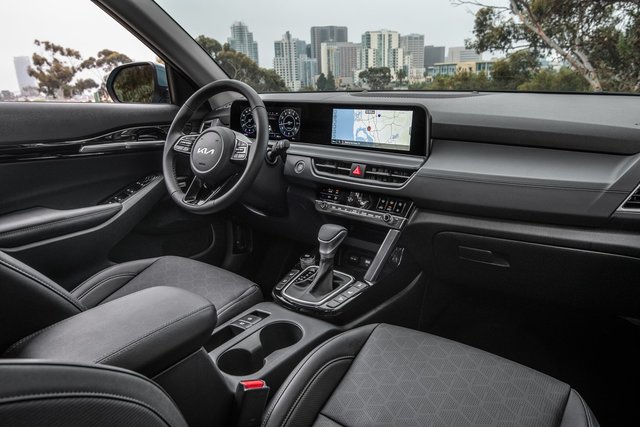
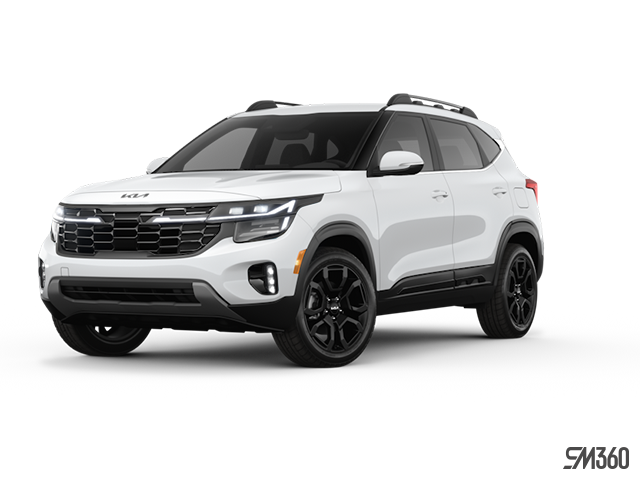
Cold December mornings in Laval don't have to mean scraping ice off your windshield or shivering through the first 10 minutes of your commute. If your Kia is equipped with Kia Connect, you can warm up your vehicle before you step outside—all from your smartphone.
Remote climate control transforms Quebec winters. Start your engine remotely, pre-set the cabin temperature, activate defrosters, and turn on heated seats and steering wheel—all before you leave the house. Here's how to make the most of it this winter.
What is Kia Connect Remote Climate Control?
Kia Connect is a suite of smartphone-based services designed to enhance your security, comfort, and confidence every time you drive. One of its standout features is Remote Start with Climate Control, which allows you to start your Kia remotely and pre-set the cabin temperature, defrost settings, and even activate heated seats and steering wheel.
This feature is included free for the first three years with eligible Kia models, and it's accessible through the Kia Connect mobile app (available on iOS and Android) or the web portal at www.kiaconnect.ca.
How to Set Up Kia Connect
Before you can use remote climate control, you'll need to enrol in Kia Connect. The process is straightforward:
- Download the Kia Connect App: Search for "Kia Connect" in the Apple App Store or Google Play Store and install it on your smartphone.
- Create an Account: Open the app, tap "New User," and follow the on-screen instructions to register your vehicle.
- Activate Your PIN: For security, you'll need to set up a PIN or enable fingerprint/facial recognition to access remote features.
You can also enrol online at www.kiaconnect.ca by clicking "Register" and following the prompts.
Step-by-Step: Using Remote Climate Control
Once you're enrolled, using remote climate control is simple:
1. Open the Kia Connect App
Launch the app on your smartphone and log in using your PIN or biometric authentication.
2. Select "Remote Start with Climate Control"
Navigate to the remote services menu and tap the climate control icon. This opens your customization screen.
3. Adjust Your Preferences
Set your desired cabin temperature (as warm or cold as you like), activate the front and rear defrosters, and turn on heated seats and heated steering wheel if your trim supports these features.
4. Start Your Engine
Tap "Start" to remotely fire up your Kia. Your vehicle will run for a preset duration, giving the climate system time to reach your target temperature.
5. Head Out to a Warm Cabin
By the time you're ready to leave, your Kia will be warm, defrosted, and ready to go. Simply bring your key fob with you to unlock the doors and shift into gear.
Key Features of Kia Connect Remote Climate Control
|
Feature
|
What It Does
|
|
Temperature Control
|
Set cabin temperature to your exact preference before you start driving
|
|
Front and Rear Defrost
|
Automatically clear ice and fog from windshield and rear window
|
|
Heated Seats
|
Activate driver and passenger seat warmers remotely (trim-dependent)
|
|
Heated Steering Wheel
|
Ensure a warm grip the moment you take the wheel (trim-dependent)
|
Which Kia Models Support Remote Climate Control?
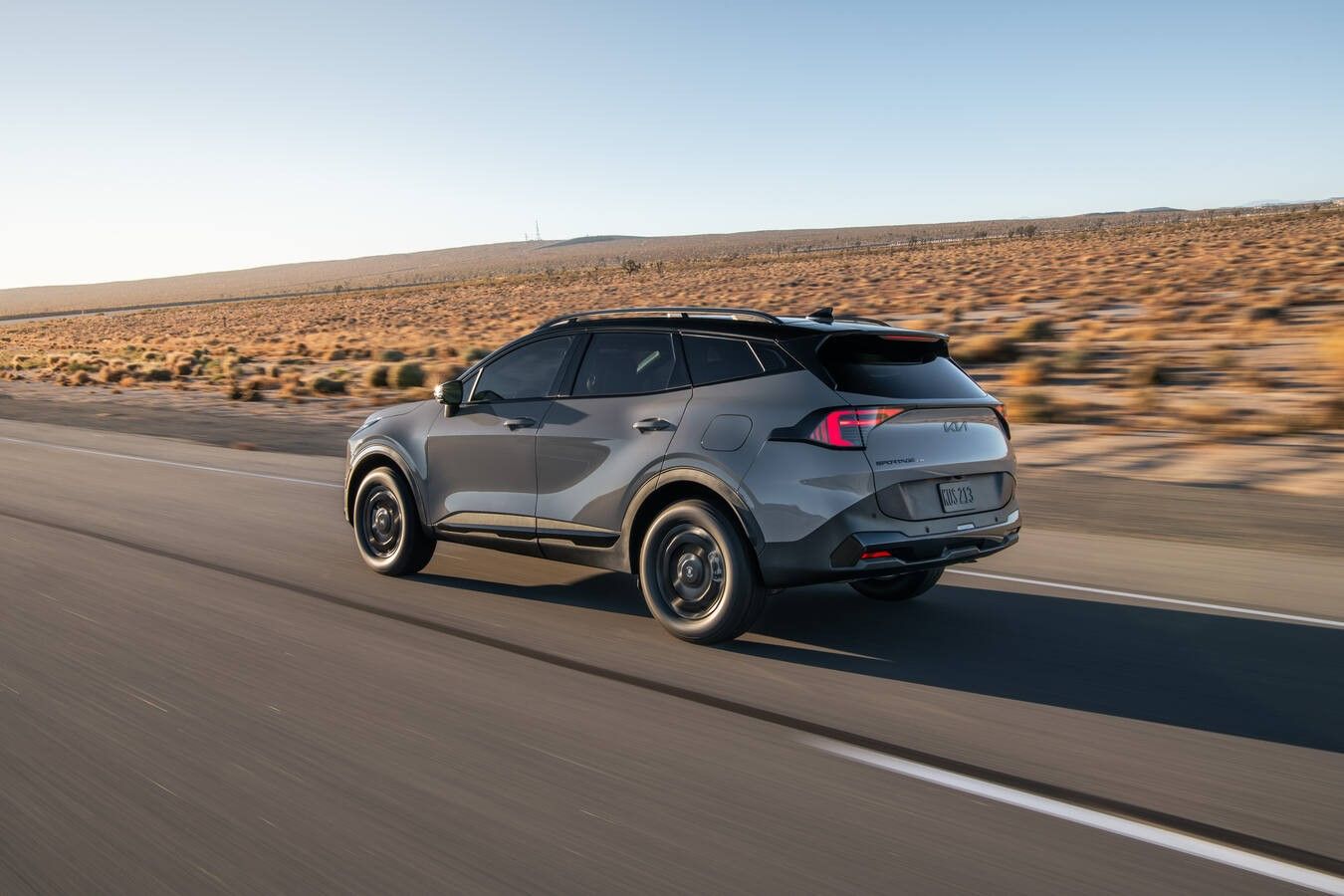
Kia Connect with remote climate control is available on most 2023 and newer Kia models equipped with an embedded telematics system. Popular models include:
- 2026 Kia Sportage (all trims with telematics)
- 2026 Kia K4 Hatchback (select trims)
- 2026 Kia Niro PHEV (all trims)
Not all features are available on every trim. For example, heated seat and heated steering wheel remote activation may be limited to higher trims like the Sportage EX or SX. Check your vehicle's feature list or consult your Lallier Kia Vimont sales advisor to confirm compatibility.
Pro Tips for Maximizing Remote Climate Control
Start Early on Extreme Cold Days
If temperatures are well below freezing, consider starting your vehicle 15 minutes before you plan to leave. This gives the defrosters extra time to fully clear ice and ensures the cabin is thoroughly warmed.
Use Scheduled Remote Start
Some Kia Connect plans allow you to schedule remote starts at specific times. If you leave for work at the same time every morning, set a recurring start time so your Kia is always ready.
Combine with Heated Features
Heated seats and steering wheel options warm up quickly and use less energy than heating the entire cabin, making them especially efficient for short trips.
Check Local Regulations
Some municipalities in Quebec have restrictions on vehicle idling. Make sure you're compliant with local bylaws when using remote start, especially in residential areas.
Understanding Kia Connect Subscription Plans
Kia Connect is free for the first three years, but after that, you'll need to choose a subscription plan to continue using remote climate control:
- Care Plan: Includes safety features like automatic collision notification and roadside assistance, but does not include remote climate control.
- Plus Plan: Adds remote start with climate control, remote door lock/unlock, and remote vehicle status.
- Ultimate Plan: Includes everything in Plus, along with advanced features like user profiles, surround view monitor, and route guidance.
Remote climate control is part of the Plus and Ultimate plans. If you're nearing the end of your free trial, consider upgrading to maintain access to this winter feature.
Troubleshooting Common Issues
Remote Start Isn't Working
Ensure your vehicle is in Park, the hood is closed, and the ignition is off. Also verify that your Kia Connect subscription is active and that your smartphone has a data connection.
Climate Settings Not Saving
Double-check that you've tapped "Save" or "Confirm" after adjusting your temperature and defrost settings in the app. If the issue persists, try logging out and back in.
Heated Seats or Steering Wheel Not Activating
These features are trim-specific. If your Kia doesn't have factory-installed heated seats or a heated steering wheel, remote activation won't be available.
Stay Warm All Winter Long at Lallier Kia Vimont
Remote climate control with Kia Connect is one of the smartest ways to make winter driving in Laval more comfortable and convenient. Start your Sportage before the morning commute or defrost your Niro after a snowstorm—this feature puts you in control, no matter your location.
If you have questions about Kia Connect, need help with setup, or want to explore which Kia models offer remote climate control, our team at Lallier Kia Vimont is here to help. Visit us in Laval to learn more about how Kia's connected technology can simplify your winter routine.
To learn more about Kia Connect, visit Kia.ca